Online lessons happen in a classroom built into this site. There is nothing to install and no link to find in an email: you join from your session page, in the browser, on a computer, tablet or phone. Tutor? Read this version instead.
If you only do one thing
The day before, run the setup check on the device your child will use, in the room they will use it in. It takes a minute and tells you exactly what to fix.
Before the lesson
A laptop or tablet is best: the tutor may share slides or use the shared whiteboard, and both are easier on a bigger screen. A phone works. Somewhere quiet with the light in front of your child rather than behind them, and headphones if the room is echoey.
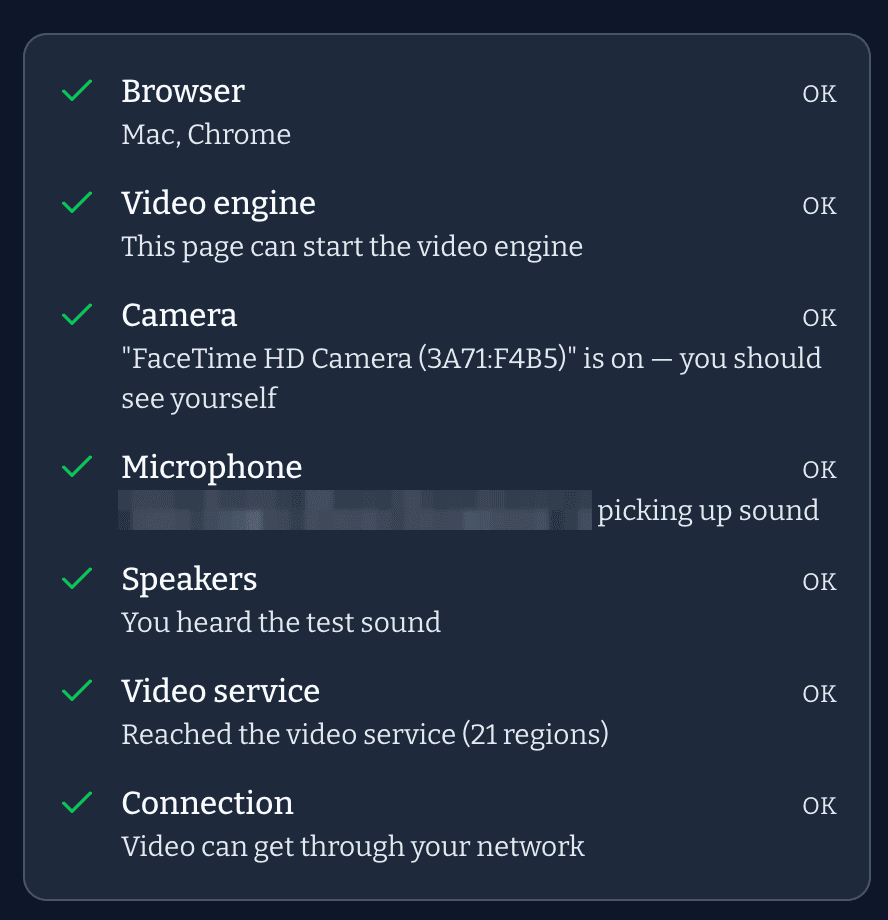
The setup check tests the browser, camera, microphone, speakers and connection. This is what it looks like when everything passes:
Everything ticked. If a line is red it tells you what to change, and the camera and microphone guide has the steps for every browser and phone.
Joining
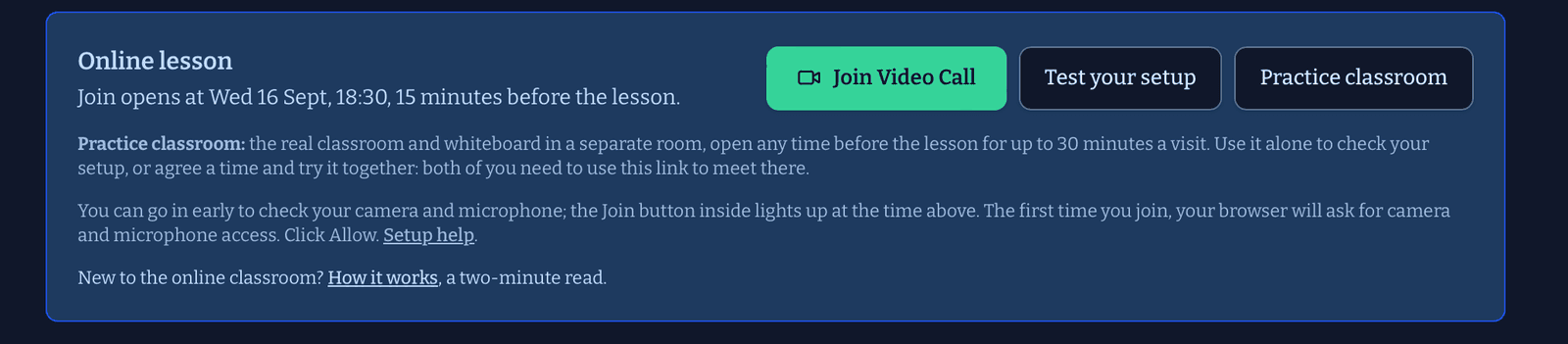
Sign in and open the lesson from My sessions. The Join session button at the top switches on 15 minutes before the start time; the reminder email the day before links to the same page. Click Join, allow the camera and microphone if asked, and you are in. If the tutor has not arrived yet you will see Waiting for … to join.
Your child does not need an account. You join from yours, then hand over.
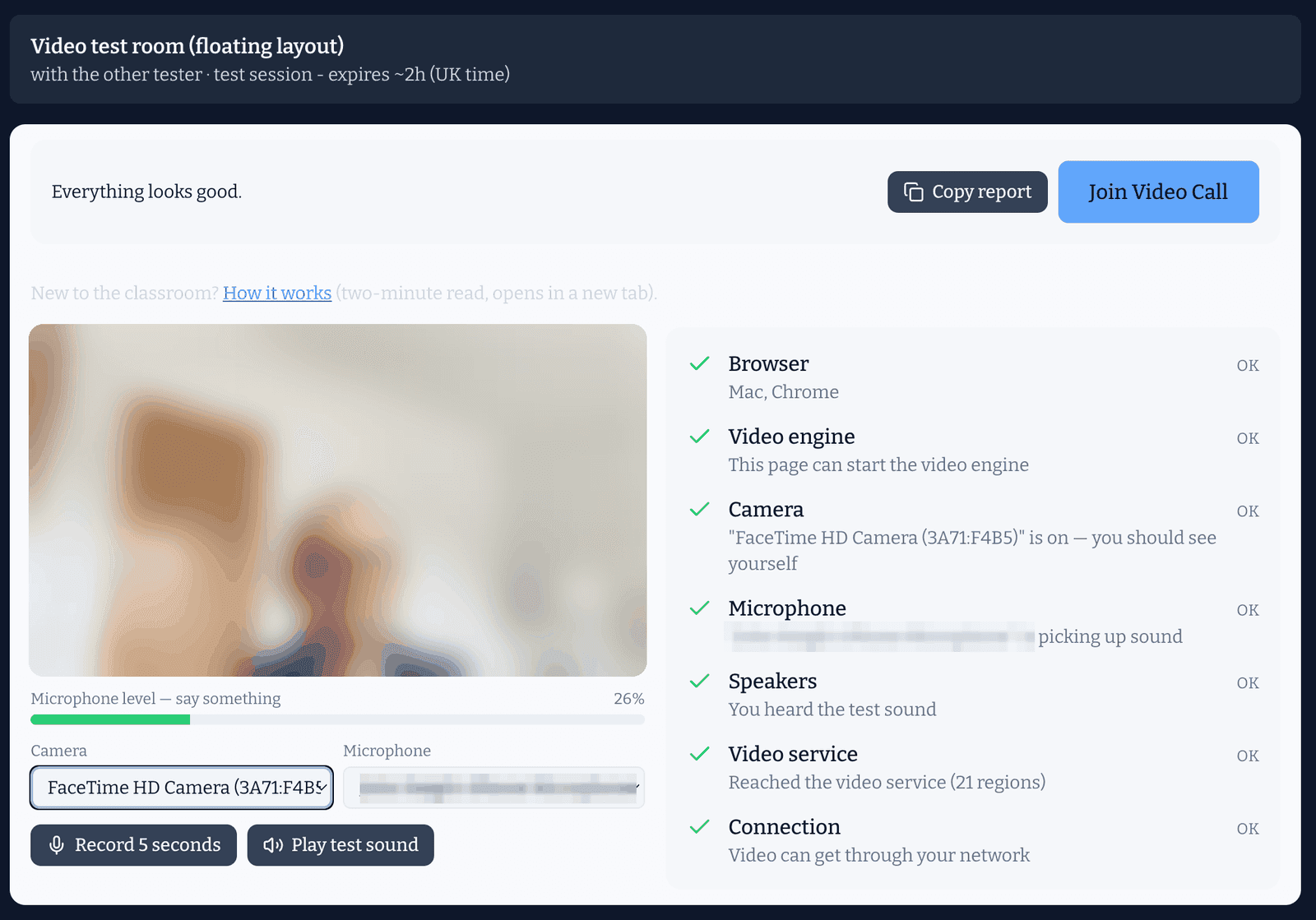
The Online lesson panel at the top of every session page. Join lights up 15 minutes before the start; Test and Practice work any time before.The lobby. You see yourself, the meter moves when you speak, every line is green, and Join Video Call is lit.
During the lesson
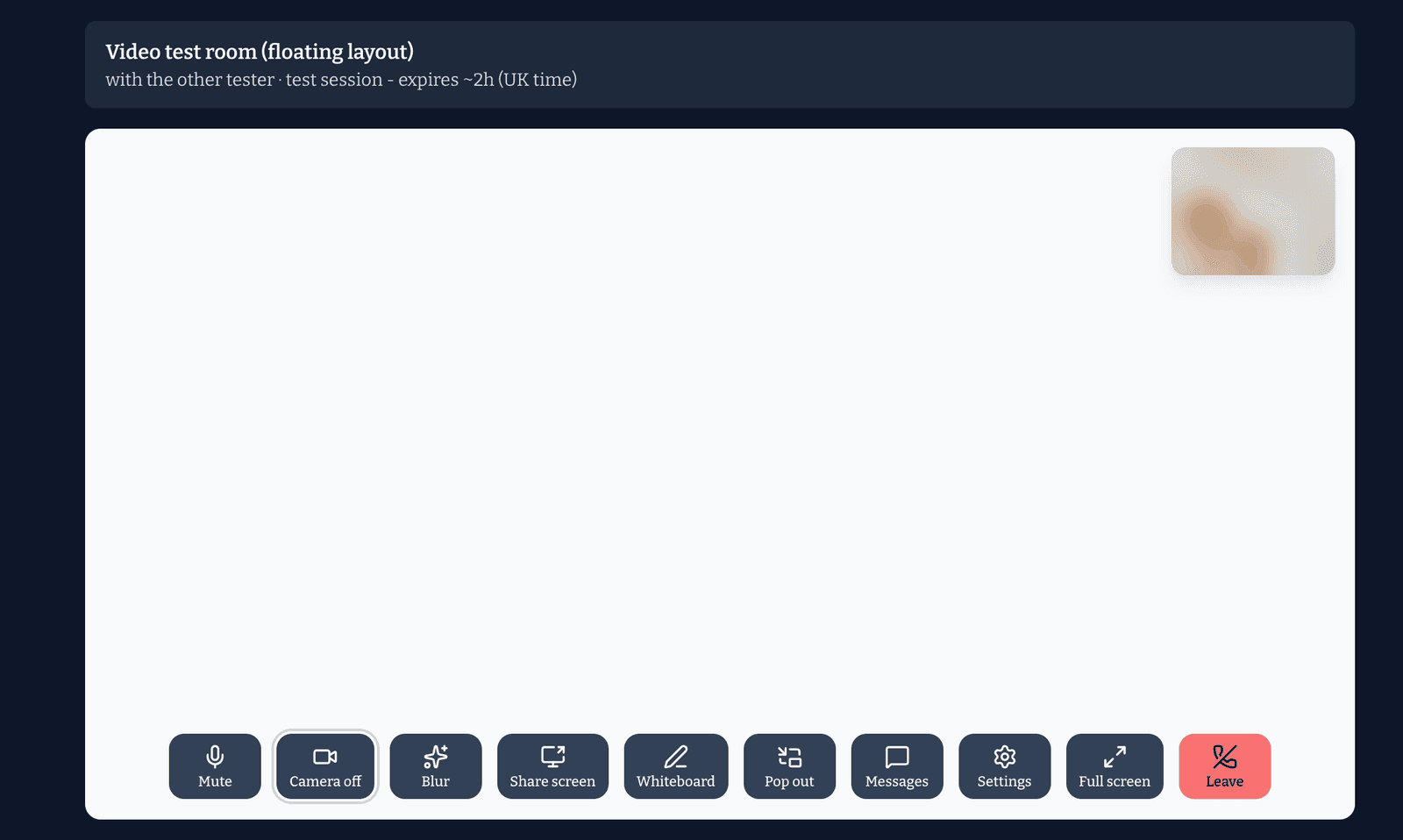
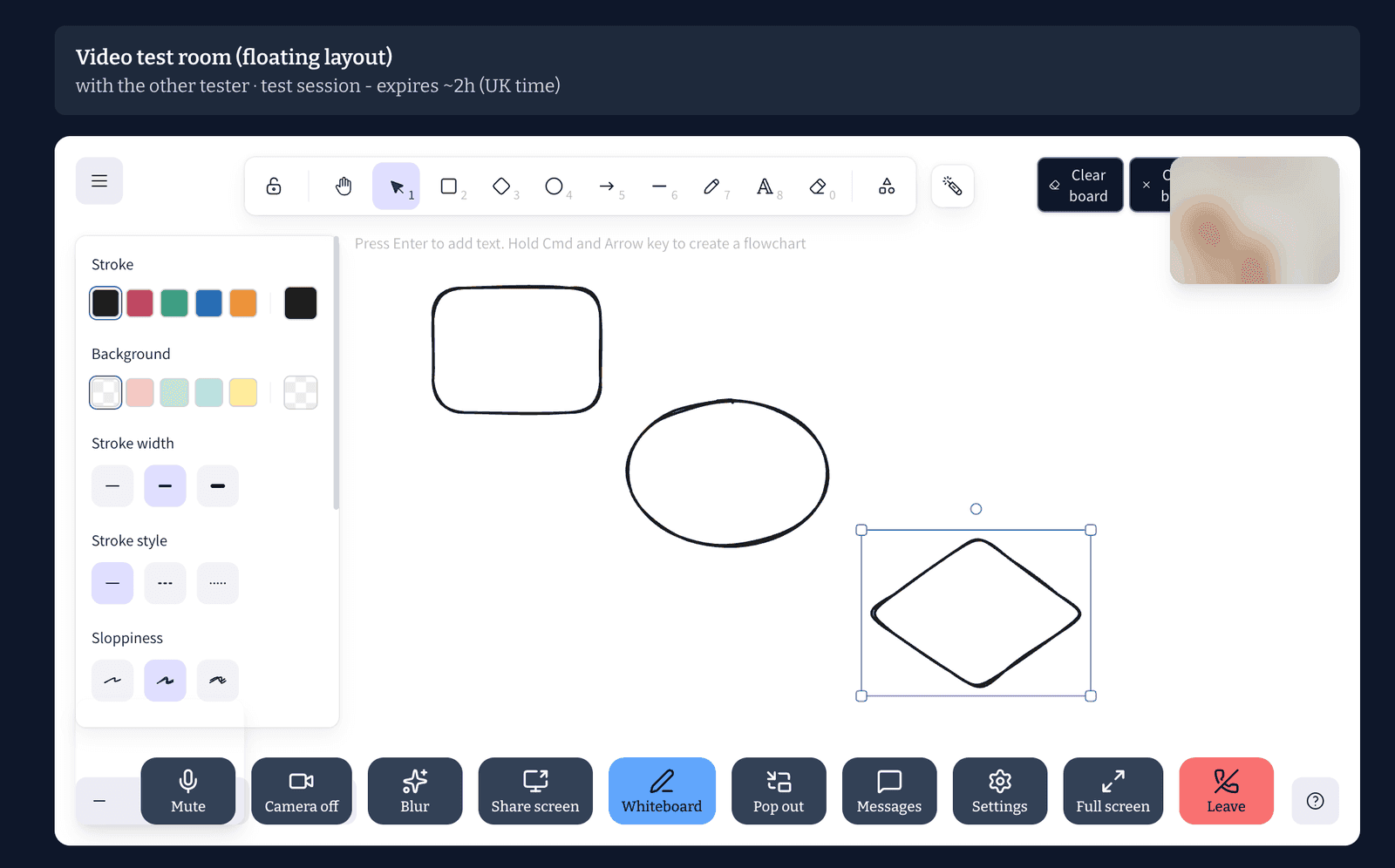
The controls along the bottom are labelled: Mute, Camera off, Whiteboard, Messages, Leave.
The whiteboard is shared: the tutor and your child both draw and type on it. It is saved with the lesson, and you can open it again from the session page afterwards to see what was covered.
If the tutor shares their screen, it fills the window and the tutor's video floats on top.
Nothing is recorded.
The classroom before the other person arrives. Your own video sits top right; every control along the bottom is labelled.The shared whiteboard. Shapes, pens, text and an eraser along the top; both of you draw on the same board.
If something goes wrong
No camera or microphone: the checklist names the fix; it is nearly always the browser permission. The camera and microphone guide has it for every phone and browser.
Stuck on Waiting or a black screen: reload the page with the browser's reload button and click Join again. You will not lose the lesson.
Still stuck: message the tutor from the session page, agree to run the lesson a few minutes late, and tell us. If a lesson cannot go ahead because of a fault on our side, you will not be charged for it.
After the lesson
The session page keeps the whiteboard and the tutor's notes. Once the lesson is marked complete you will be asked for a short review; those reviews are what other parents read.
Something unclear on this page? Tell us and we will fix the words.